
Web applications, portals and apps

Web applications, portals and apps around your own process.

When a website is not enough because something has to happen, and off-the-shelf software does not fit how you work. We build the application around the process as it runs today, and leave out what you do not use.

Get in touch

Priced on scope. After the intake you get a proposal with price and schedule.

Fits when

  • A process runs through phone, email or spreadsheets and customers should be able to do it themselves
  • Requests, bookings or planning need to come in structured and be traceable
  • A team or client needs its own environment with login and its own data

What we build

  • Booking and request systems with status and confirmations
  • Client portals with login, documents and their own data
  • Internal portals, planning and dashboards for a team
  • Admin environments for content, prices or requests
  • Apps on the phone as an extension of a platform

What an application can consist of

Interface
What customers or colleagues see and use, on phone and desktop.
Admin environment
Where you manage requests, data and settings.
Database
Where everything is stored in a structured way and can be found again.
Login, roles and permissions
Who may see and do what: customer, employee, administrator.
Business rules
Pricing logic, statuses, exceptions and validation, captured in code.
Email and notifications
Confirmations, reminders and messages when a status changes.
Payments and integrations
Payment provider, calendar, accounting or another system you already use.

Depends on scope

  • Which parts are in the first version and what follows later
  • Integrations: only possible if the other system offers an API or export
  • An app in the App Store or Play Store next to the web version
  • Migration of existing data

From practice

All projects
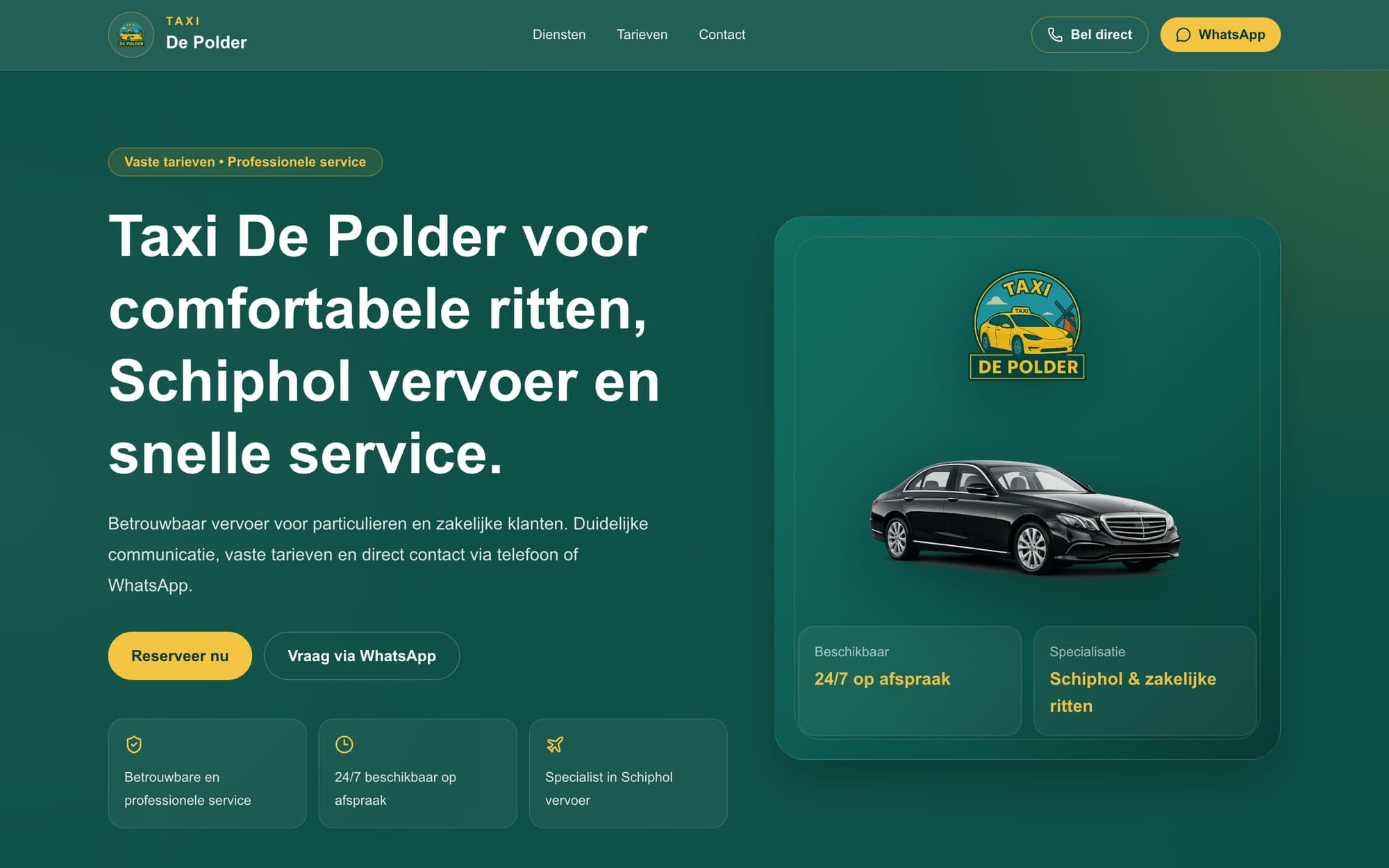
Taxi De Polder homepage with booking button and fixed rates

Taxi De Polder

Taxi service, Schiphol

Website for a taxi company in North Holland with fixed rates per destination and vehicle type, and a four-step booking: trip, vehicle, details, confirmation. Phone and WhatsApp are at the top of every page.

Four-step booking flow · Fixed rates per destination and vehicle · Call and WhatsApp buttons on every page · Service pages for airport, business and regional rides

How the project runs

  1. 01

    Intake: the process on paper

    We walk through the current process step by step: who does what, which rules apply and where it gets stuck. That determines what belongs in a first version.

  2. 02

    Flow and design

    Every step worked out in the browser, for customer and administrator, so you see early how it works on a phone.

  3. 03

    Build in parts

    The core first: the part that removes the most manual work. You test in between with real situations.

  4. 04

    Launch and extend

    Launch on your own domain and hosting, with documentation. Extensions follow once the basis is in use.

Frequently asked questions

Web app or an app in the App Store?

It usually starts as a web app: it works on every phone without installation and is faster to extend. An app in the stores makes sense when you need push notifications, offline use or phone features.

Who manages the application after delivery?

You do, through the admin environment. For maintenance, hosting and extensions we agree up front what is fixed and what is charged per change.

How long does a first version take?

That depends on the number of steps, roles and integrations. During the intake we plan per part, so you know what is usable when.

A process that costs too much manual work?

Describe how it works today, from first contact to completion. You hear what a first version should contain.